
The following instructions will walk you through how to add or update your payment method(s) when:
-
You want to add a new payment method
-
You want to update your payment method
-
Your payment method is expiring
-
Your payment method is invalid
Access Your Payments
-
You can access your account by clicking the Log into your account now → link at the bottom of your Spendgo billing emails.
-
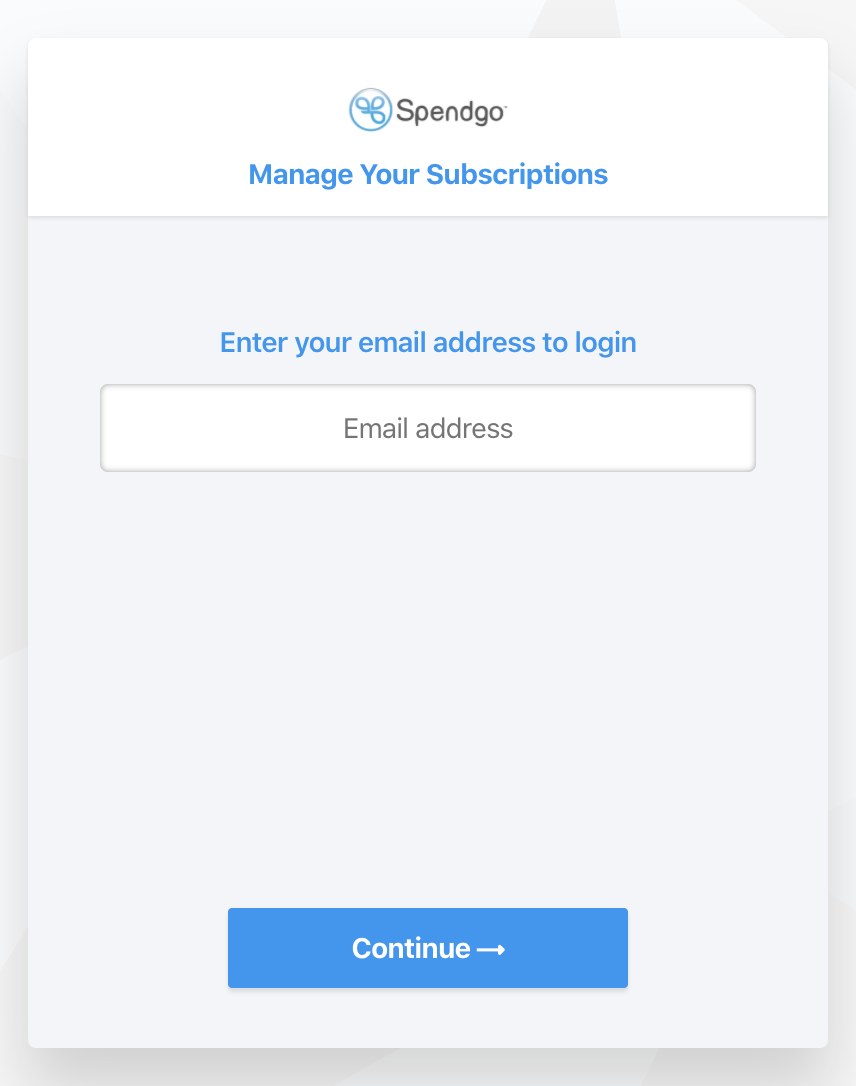
Enter your account billing email and continue. You will be sent a one-time password to that email. The one-time password is valid for 5 minutes from the time it is generated.
-
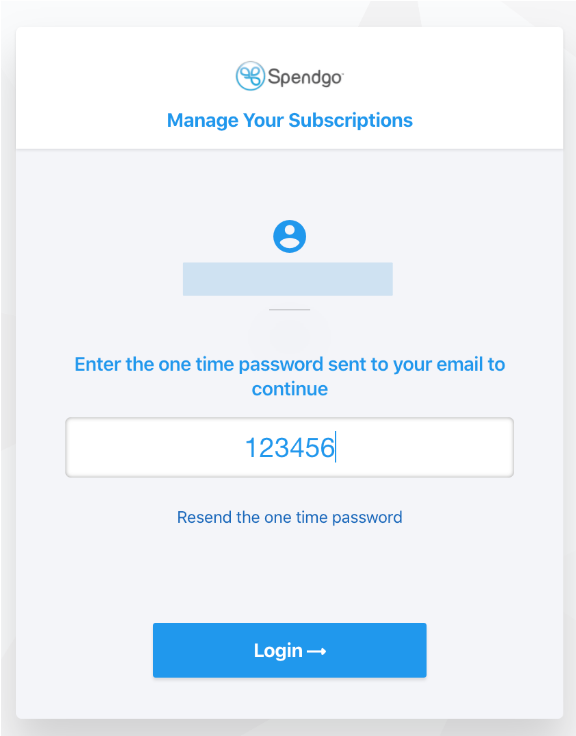
Enter your one-time password to log in.
Update Your Payment Method
-
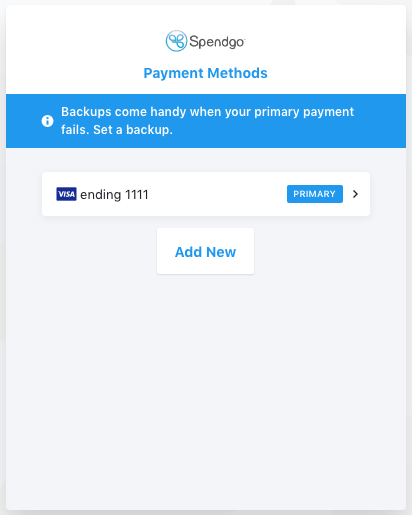
To update an existing payment method, select the payment method you want to edit and follow the on-screen instructions to update your payment.
-
You can select your primary and backup payment options, or skip.
-
Click on Update to complete the process.
Adding a Payment Method
-
To add a new payment method, click on Add New.
-
Select Credit Card or ACH and enter or update your payment details and click Proceed to Review.
Note: For ACH payments, account verification is required. Kindly see the help doc on Verifying your bank account. -
You can set your primary and backup payment options, or skip this step.
-
Your newly added payment method will be added to your Spendgo Payment Methods page.